Length & Distance
Convert metric and imperial distances for everyday and technical use.
Convert different units quickly with an easy Android app made for everyday measurement, study, work, engineering, science, cooking, and regional conversions.
Offline
Copy
Favorites
History
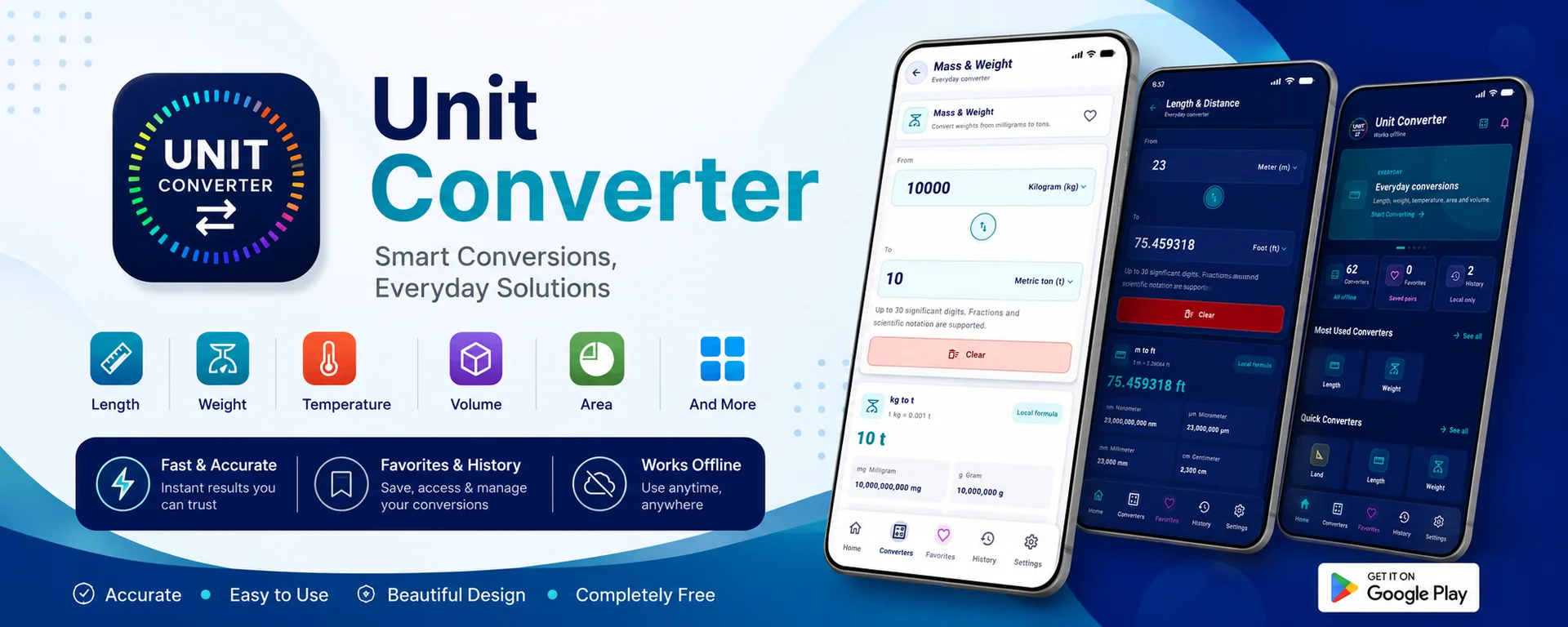
Multiple converters
Unit Converter focuses on speed, clean input, readable output, local history, favorite tools, and a polished Android experience.
Convert metric and imperial distances for everyday and technical use.
Convert weights from milligrams to tons with reliable results.
Convert Celsius, Fahrenheit, Kelvin and related temperature values.
Convert liquid and dry volume values across US, imperial and metric systems.
Convert land, floor, field and surface measurements.
Convert km/h, mph, m/s and other speed units for travel or study.
App screenshots
Screenshots are displayed with a 16px radius to match the soft card style of the app. Use Google Play to experience the full converter journey.
Download the App
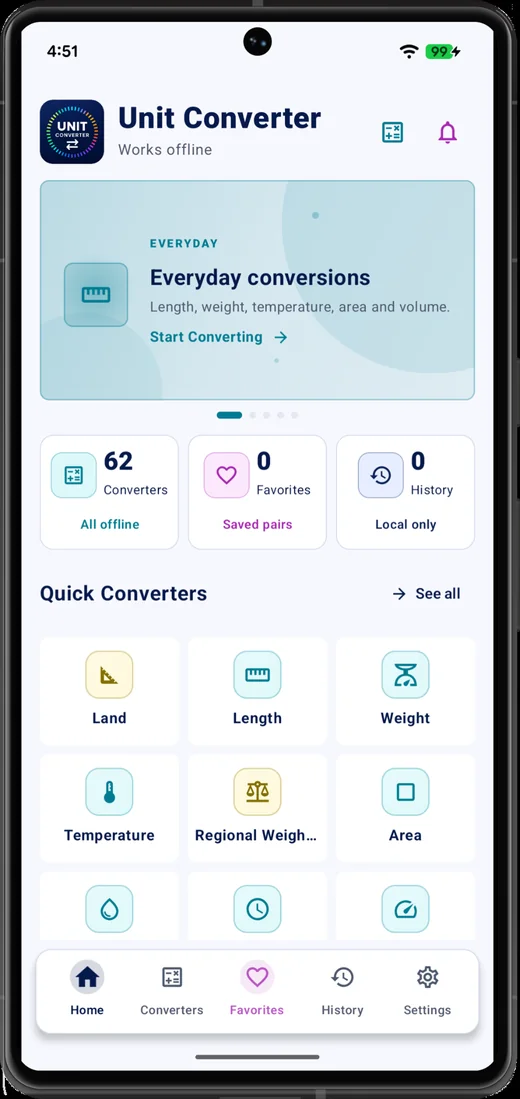
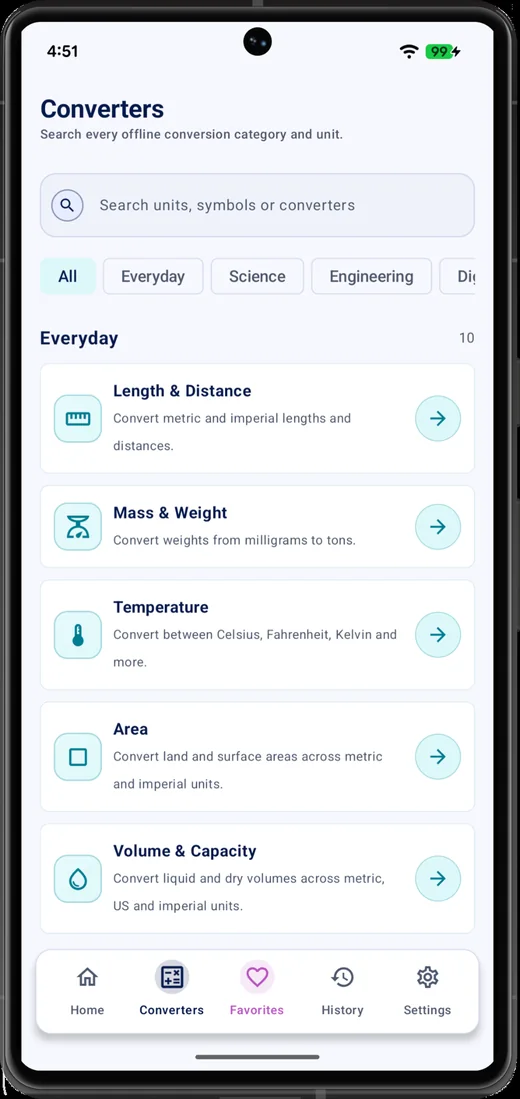
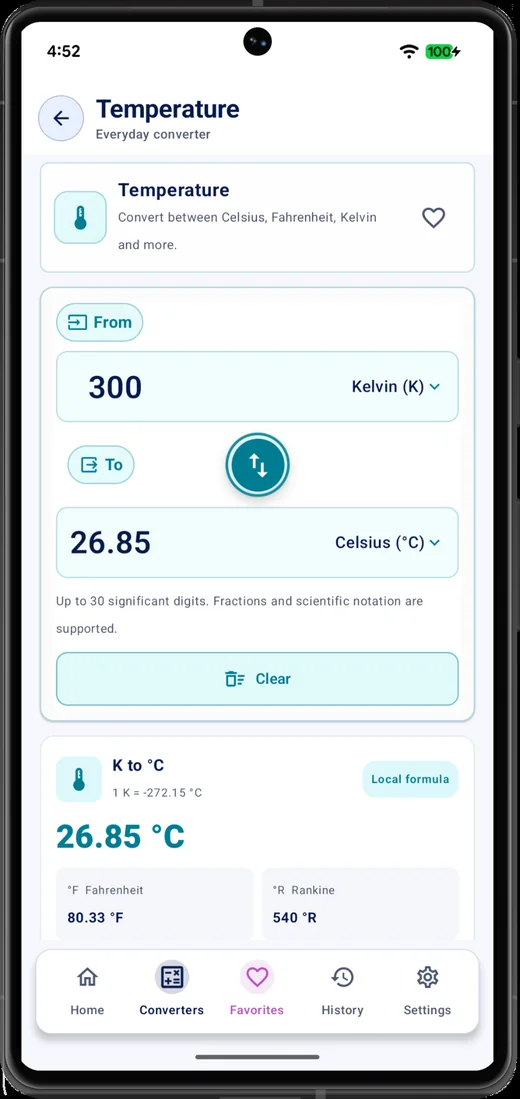
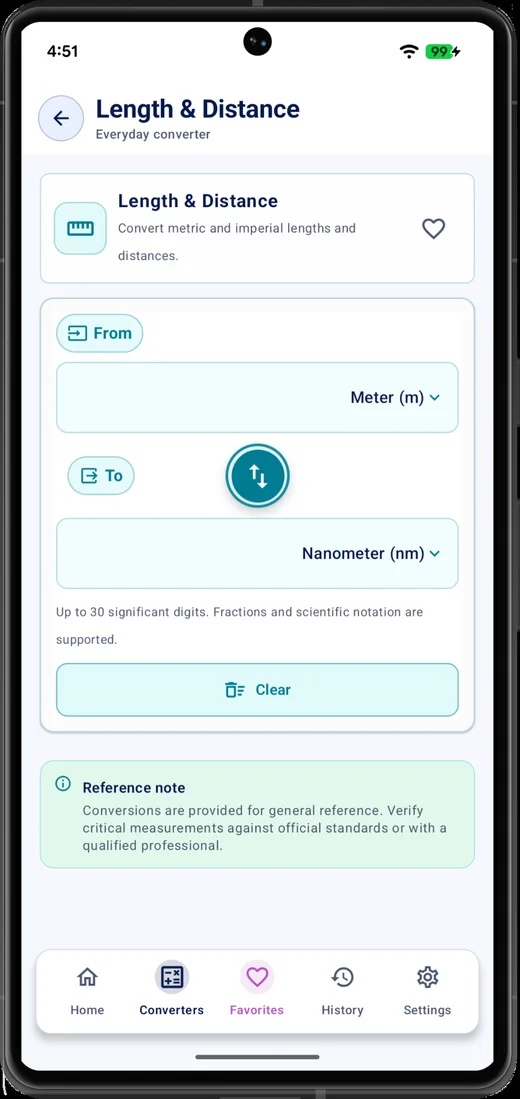
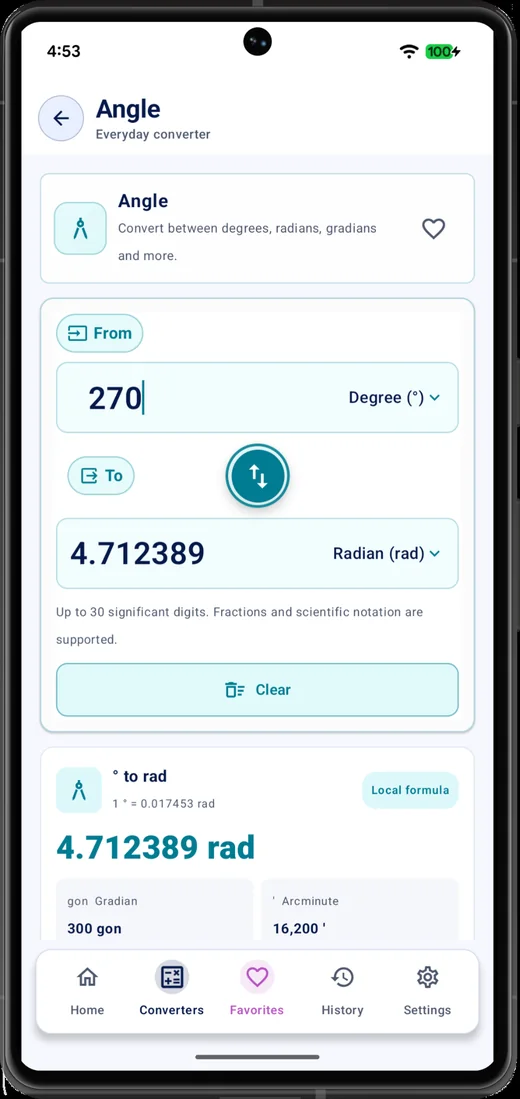
The website introduces the app, but the Android app provides the real conversion workflow: input, unit selection, favorites, history, local settings, and offline use.
Core conversions are calculated on your device, so you can use common tools without depending on a constant internet connection.
Save preferred converters and revisit previous conversions quickly from the app.
Manage appearance, rounding, measurement preferences, data options and local settings from the app.
Install Unit Converter from Google Play and keep everyday measurement tools in your pocket.
Get on Google Play